

GiftCard8 is Nigeria’s leading gift card trading platform, but first-time users often have questions before their first trade. How does the process actually work? What happens after you submit a code? When does the naira arrive? This complete beginner’s guide answers every question about how GiftCard8 works for Nigeria in 2026.
What GiftCard8 Does
GiftCard8 converts international gift cards into Nigerian naira (or USDT/Bitcoin). You submit a gift card code. GiftCard8 verifies it against the issuer’s live database. The verified naira value transfers to your OPay, PalmPay, or bank account.
The platform has served over one million customers across Nigeria and Ghana since 2018. According to GiftCard8’s official about page, the fastest documented trade completion is 30 seconds for verified accounts on high-demand cards.
Step 1 on How GiftCard8 Works for Nigeria: Create Your Account
Download the GiftCard8 app from the Google Play Store or Apple App Store. Open it and tap “Sign Up.” Enter your phone number and email address. Create a secure password. Verify your phone number with the SMS code.

Step 2: Complete KYC Verification
KYC (Know Your Customer) verification is required before you can trade with full functionality. In the app, go to Profile → Verification. Upload a clear photo of your national ID card, voter’s card, or driver’s licence. Submit your BVN (Bank Verification Number). KYC review typically completes within 24 hours. Complete this step before you have cards ready to trade, not after.
Step 3: Link Your Payout Account
In the app, go to Settings → Payout Accounts. Add your OPay account (recommended for the fastest payouts; enter your registered OPay phone number). Add your bank account (10-digit account number and select your bank) and USDT wallet if you prefer crypto payouts.
Pre-linking accounts means you select from a dropdown during trades rather than entering details manually each time.
Step 4: Check the Live Rate Before Every Trade
This step happens before every single trade, not just the first one. Tap “Sell Gift Card” in the app. Select your card brand. Choose the region (US, UK, or Euro). Select physical card or e-code. Enter the denomination.
The live rate calculator on GiftCard8’s rates page shows the exact naira you receive before confirming. This figure is precise, not an estimate. The naira shown is exactly what arrives in your payout account.
Step 5: Verify Your Card Balance Before Submitting
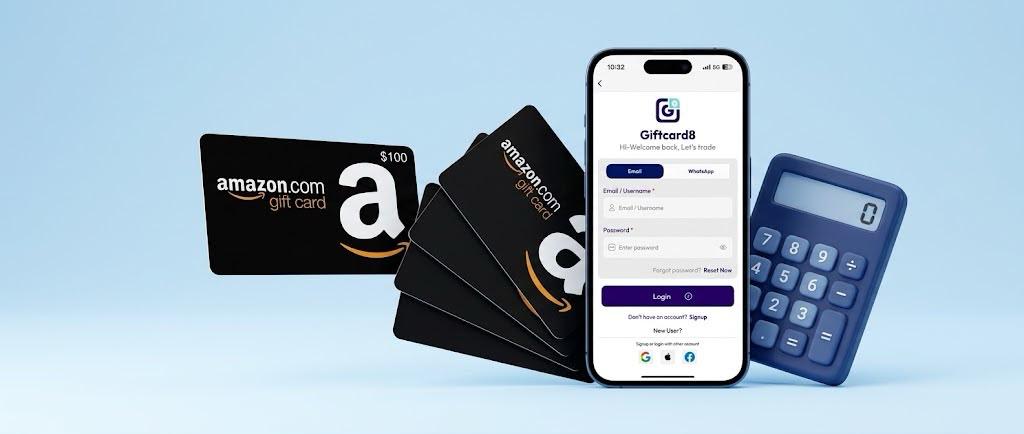
Before confirming any trade, verify your card’s actual remaining balance on the official issuer website. Amazon at amazon.com/gc/balance. Apple at appleid.apple.com. Google Play through the Play Store app. This prevents balance mismatch disputes.
Enter the verified balance as the denomination during trade setup, not an assumed original face value.
Step 6: Submit Your Card
For physical cards: tap the camera icon in the trade screen. Photograph the card in good lighting, with all four corners visible, the card number readable, PIN area clear. Submit through the app.
For e-codes: tap the code entry field. Paste the gift card redemption code. Do not type manually; paste directly to avoid errors. Confirm.
The code submits through GiftCard8’s encrypted interface, the same security standard used by Nigerian banks for online transactions.
Step 7: Wait for Verification
GiftCard8’s verification system checks your card against the issuer’s live database. This confirms the card is genuine, the denomination matches, and the card is unspent. Verification time ranges from 30 seconds (fastest, for verified accounts on high-demand mainstream cards) to a few hours (for unusual card types or very high denominations requiring manual review).
You receive a push notification the moment verification completes, and your payout initiates.
Step 8: Receive Your Naira
After verification, naira transfers to your selected payout destination. OPay updates in real time; your balance appears within seconds of GiftCard8 processing the payout. Bank accounts update within 5 – 30 minutes, depending on the receiving bank.
Check your OPay or bank app immediately after the push notification to confirm receipt.
How GiftCard8 Works Guide for Nigeria: Common Beginner Questions
What if my card fails verification? Contact GiftCard8 on WhatsApp with your trade reference number. The team investigates and responds with next steps.
Can I cancel a trade? Once you submit a card code for verification, you can’t cancel it. Verify the rate before confirming; the rate shown before confirmation is the rate you receive.
What’s the minimum denomination I can trade? Generally $5 – $10 minimum, depending on card brand. Smaller denominations sometimes have different rate structures.

How long does it take to receive my naira? 30 seconds to a few hours, depending on card type, denomination, and account verification status. OPay is always fastest.
For ongoing beginner guidance, follow GiftCard8’s blog. Check GiftCard8’s most expensive gift cards guide to understand which cards yield the best rates for your first trades.


You must be logged in to post a comment.